Use Google, Bing, or other preferred search engine to locate trusted NTP time servers. These are typically provided by government or other network organizations.Log onto the domain controller with administrative credentials and launch a command prompt Stop the time service with the following
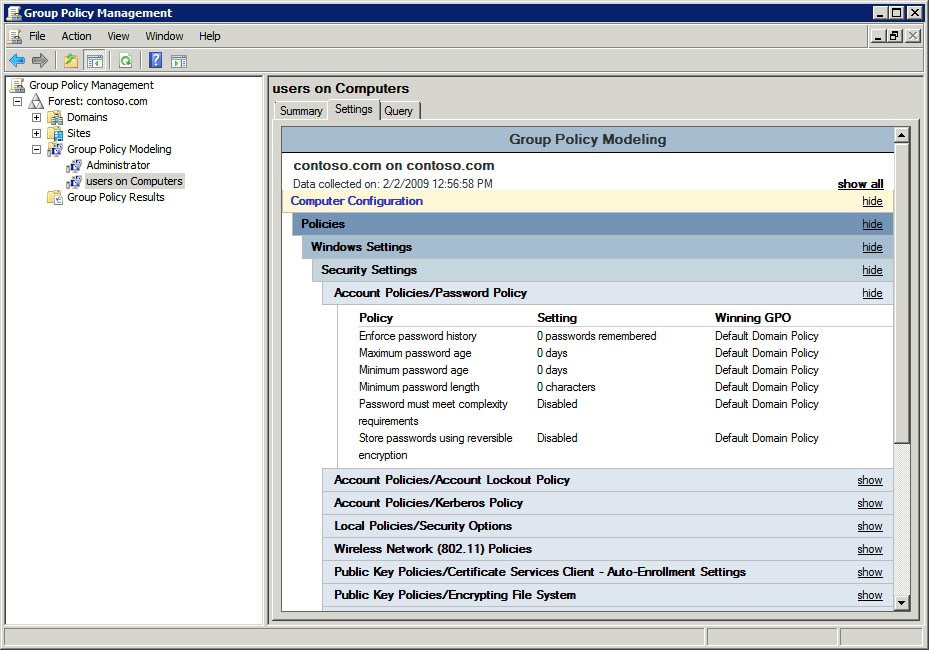
How to apply a Group Policy Object to individual users or computer
Note: A common mistake here is to remove “Authenticated Users” directory from the Security Filtering section on the Group Policy Object. DON'T DO THIS!!! You should never do this. This can cause “Inaccessible” (see image below) error messages on Group Policy Objects in the Group Policy
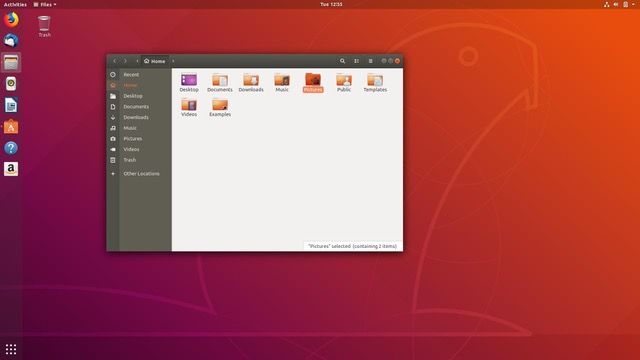
How To Configure A Static IP Address On Your Ubuntu 18.04 Server
To configure a static IP address on your Ubuntu 18.04 server you need to modify a relevant netplan network configuration file within /etc/netplan/ directory. For example you might find there a default netplan configuration file called 01-netcfg.yaml or 50-cloud-init.yaml with a following content
Schedule Cleanup Of Temp Folder
How its done Some times windows stops cleaning up its "temp" folder or doesn't clean it up completely. Here is a way of scheduling a task that will clean up the temp folder for you automatically. Create batch file @ECHO offDEL /F /S /Q C:\Windows\Temp\ saveschedule batch file to run as
Webpages Built Specifically For Testing Ad Blockers
Here is a list of websites for testing ad blockers and anti-viruses. Most of these webpages are setup to detect if you are using a browser based ad blocker, but you can still generate queries and see that ads are blocked. Test ad
Location Of The Startup folder In Windows 10, 8, Server 2012, And 2016
Windows startup folder location Current User The Current Users Startup folder in Windows is located at: C:\Users\Username\AppData\Roaming\Microsoft\Windows\Start Menu\Programs\Startup Short cuts of executables in this folder will start up for the current logged in user only. To